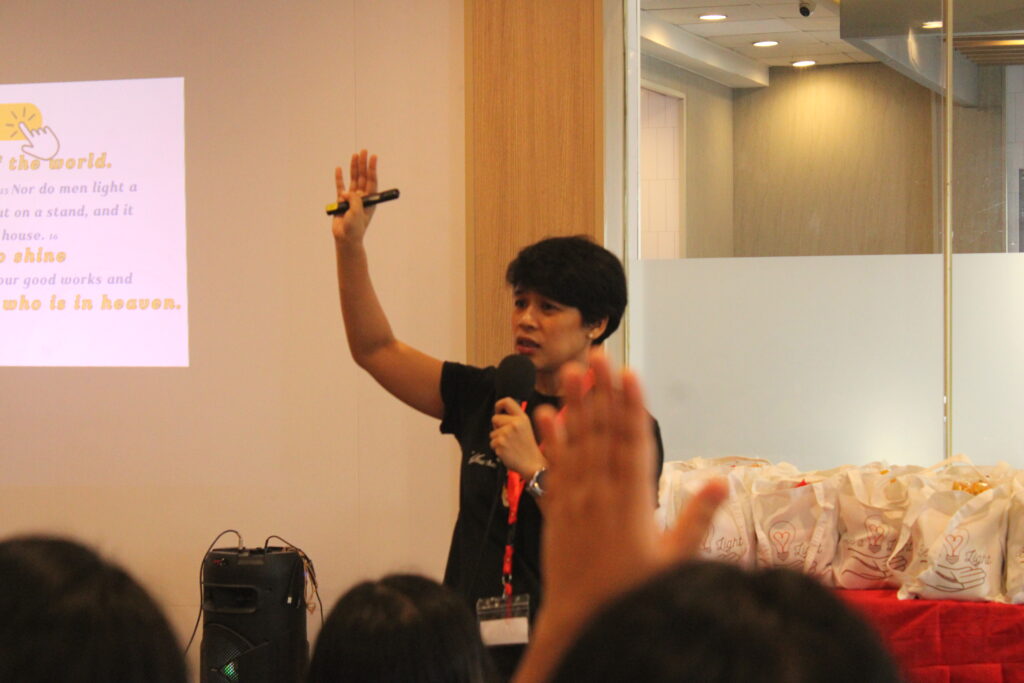
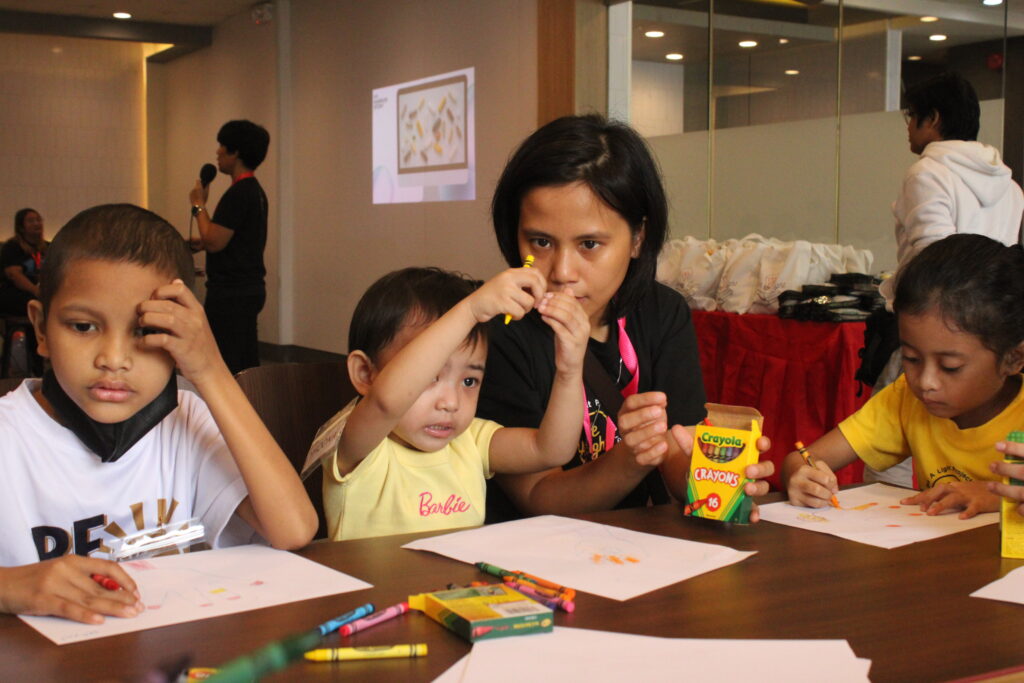
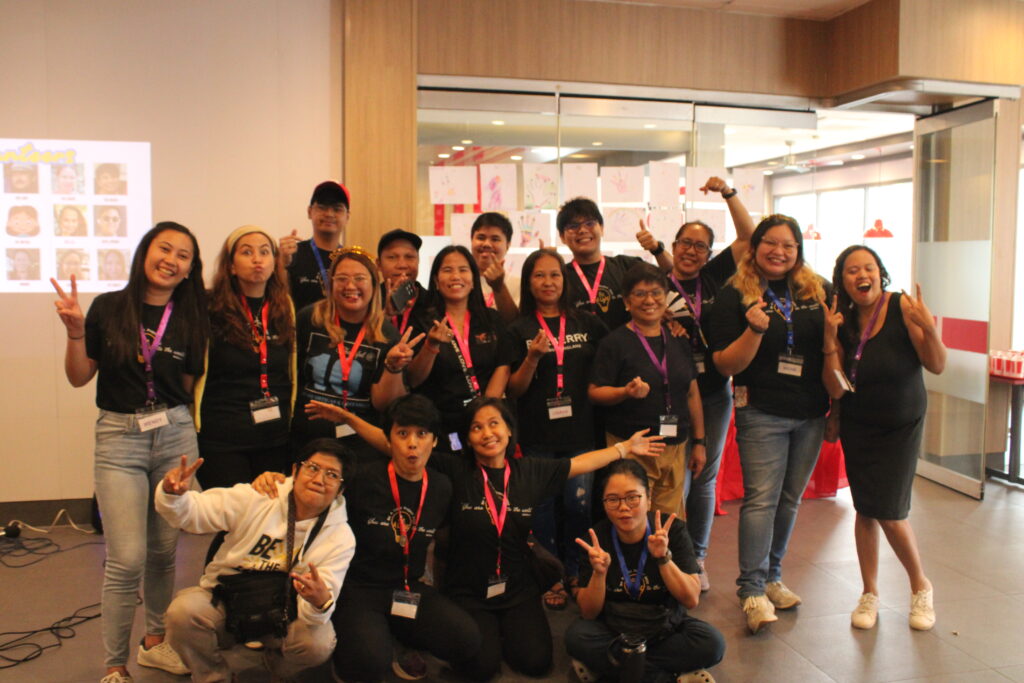
Be A Light operates with authorization from the Department of Social Welfare and Development (DSWD), bearing Solicitation Permit No. DSWD-SB-PSP-S-2025-0000123.
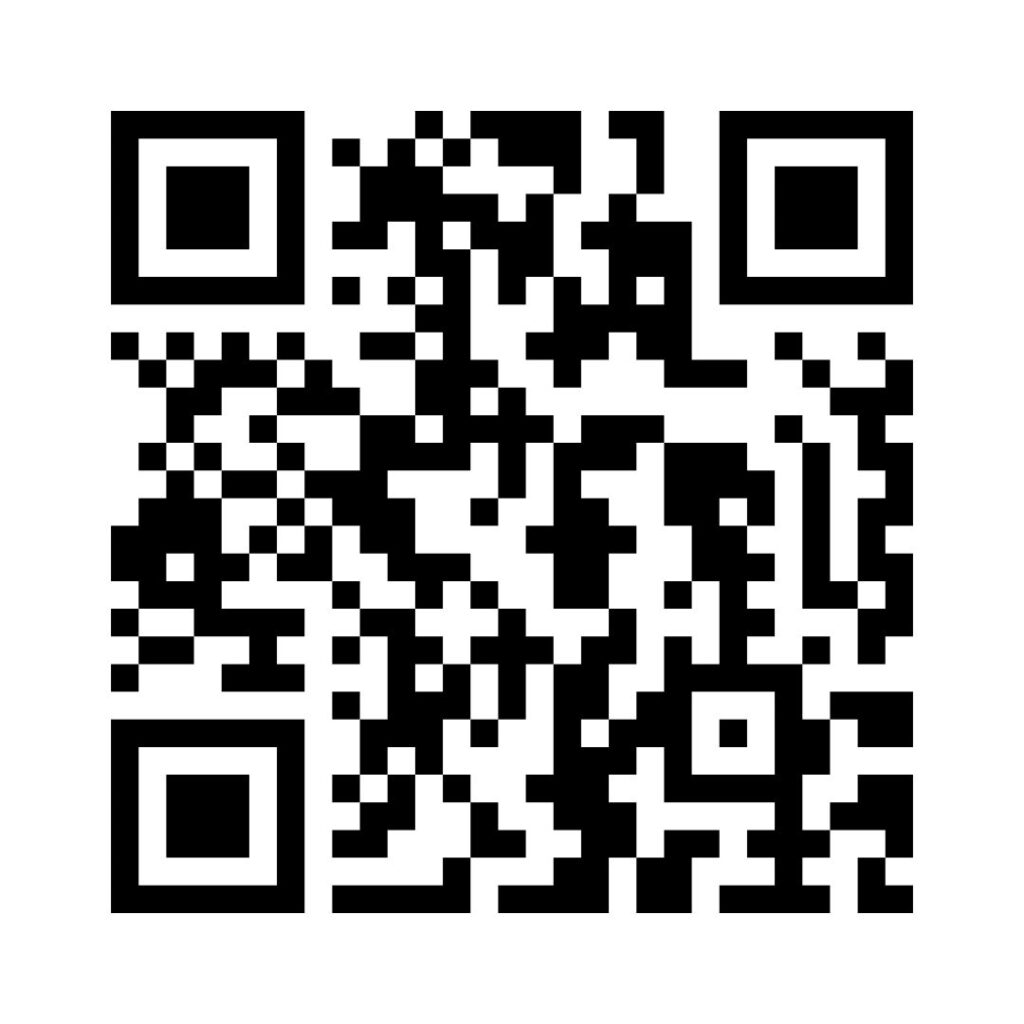
How to Donate via GCash QR Code
Open Your GCash App: Launch the GCash application on your smartphone. If you haven’t already, make sure to log in to your account.
Select ‘Pay QR’: From the dashboard, tap on the ‘Pay QR’ option. This may also appear as ‘Scan QR Code’ depending on your app version.
Scan the QR Code: Use your phone’s camera to scan the QR code provided for donations. Ensure the QR code is clearly visible for easy scanning.
Enter the Amount: Once the QR code is recognized, you will be prompted to enter the amount you wish to donate.
Confirm Your Donation: Review the details of your transaction to ensure everything is correct. Then, confirm your donation by tapping the ‘Pay’ button.
Successful Donation: You will receive a confirmation message on your screen once the donation is successful. Keep this confirmation for your records.